Hold the camera with the lens pointing at you. Look on the right side of the camera body. You’ll see a button like the one in the below photograph. Push and hold that button and gently rotate the lens to the left until the white dot is almost on the top. The lens will come off.
Remove the back lens dust cap from the lens you’d like to install on the camera body. Place it on the lens you have removed and turn dust cap to the right. This will keep out dust and dirt. Never leave a lens uncapped when it is off the camera.
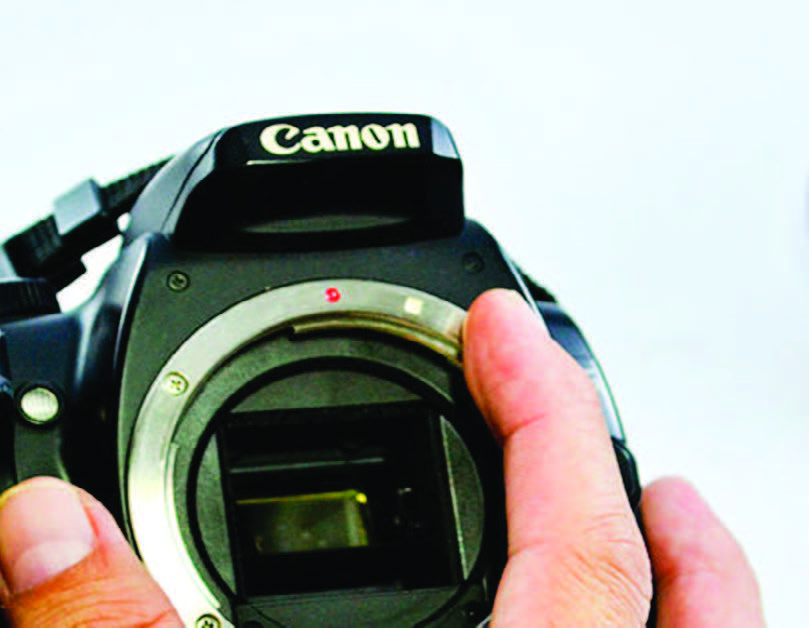
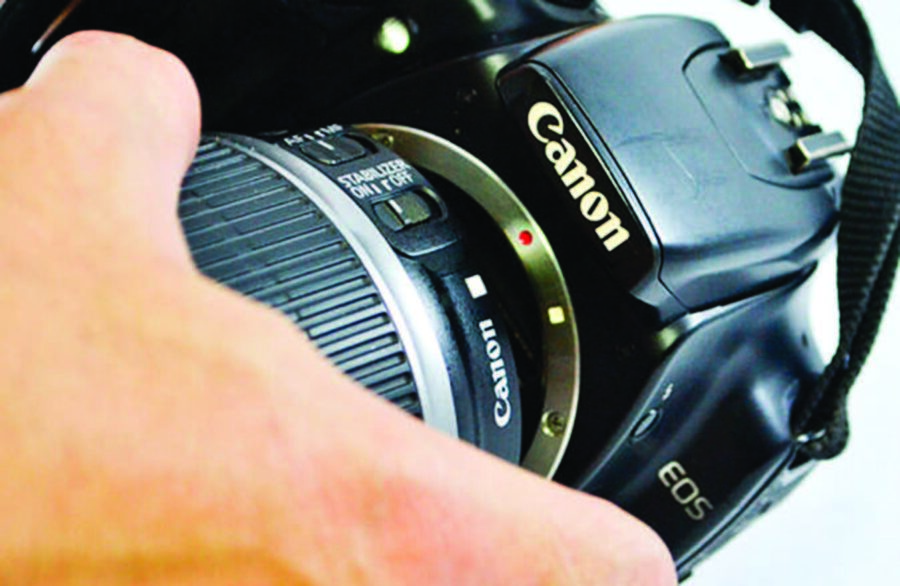
Take the lens you’d like to install and locate the white or red dot on the lens. Align the white/red dot on the lens with the white/red dot on the camera body. You will feel the lens “drop in”.
Then, gently turn the lens to the right until you hear it click or snap in. Make sure that the lens is snapped in before you use the camera.
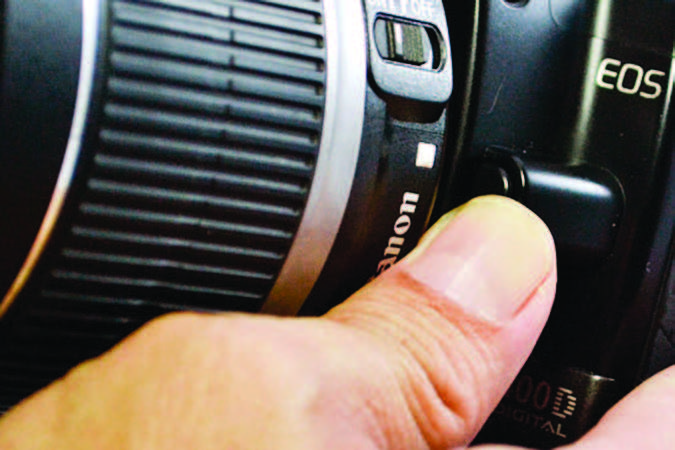 Hold the camera with the lens pointing at you. Look on the right side of the camera body. You’ll see a button like the one in the below photograph. Push and hold that button and gently rotate the lens to the left until the white dot is almost on the top. The lens will come off.