8 Reasons to Visit the Learning Innovations & Design Desk (Now in Carrier Library!)
Posted September 23, 2026 in Carrier Renovation News, Educational Technology News, Instructional Design News, JMU Libraries News, Library Futures News, The Makery News
The Learning Innovations & Design Desk has moved to the 2nd floor of Carrier Library (previously located in Rose), and it has something for everyone!
Here are 8 things you can do at the Learning Innovations & Design Desk:
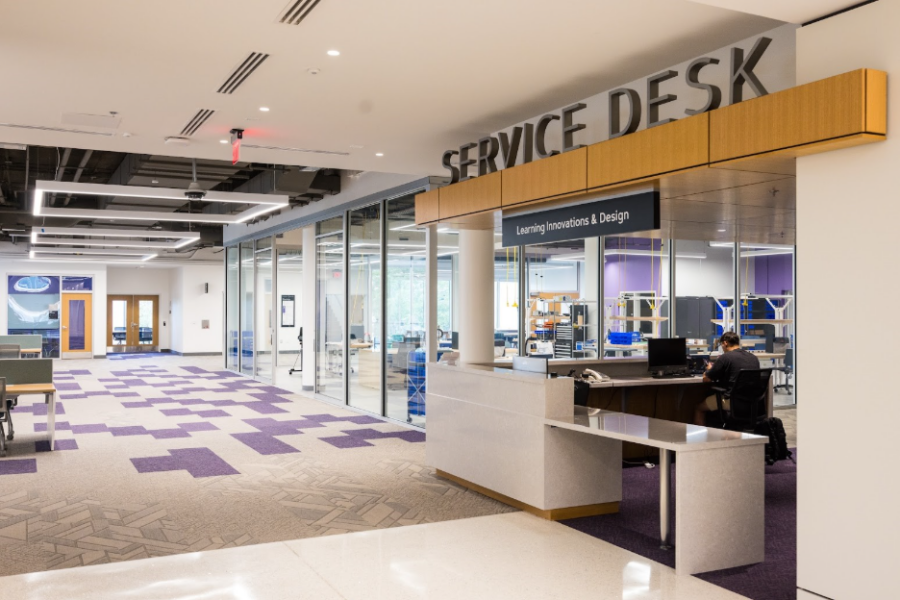
1. Check Out Equipment
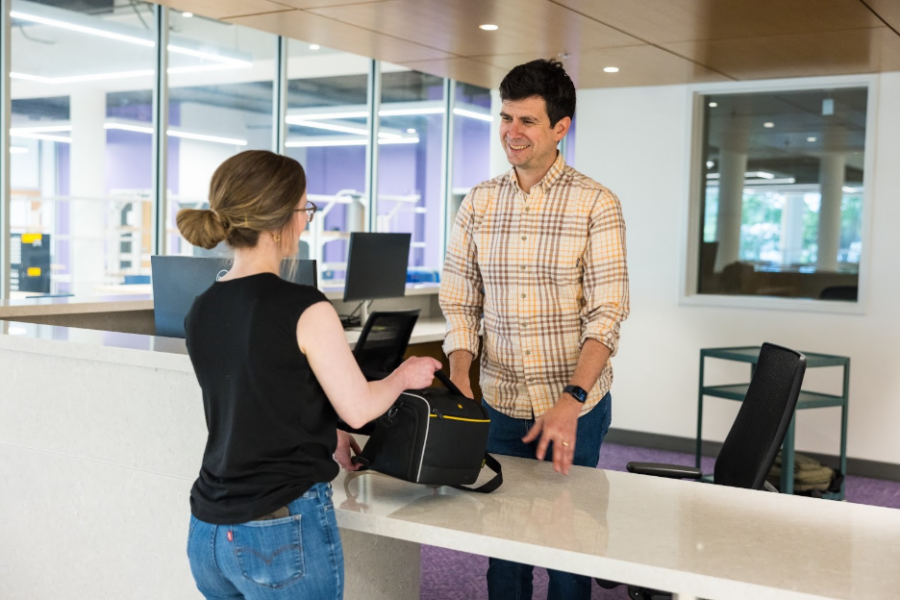
Borrow a microphone, camera, external hard drive, projector, or audiovisual equipment at the Learning Innovations & Design desk. Equipment loans are available for both professional and personal projects. We are here to support your creativity both inside and outside the classroom.
2. Make an Appointment with The Makery to Use Laser Cutters, 3D Printers, and More
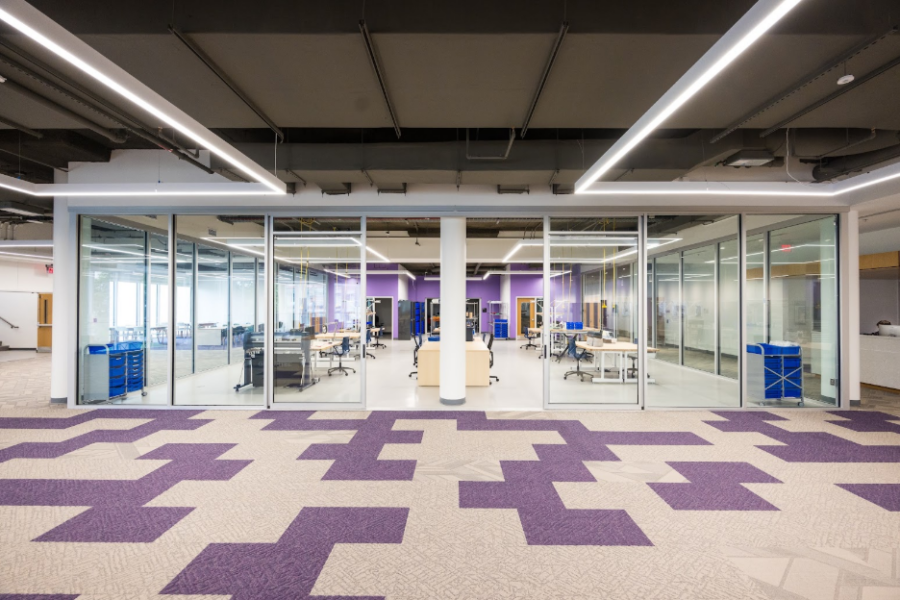
Whenever The Makery is open, you are welcome to stop by to use our crafting supplies, scanners, button makers, Cricut cutters, 3D printers, and more. Our staff at the Learning Innovations & Design Desk can help you make an appointment for training on our sewing machines, laser cutters, or electronics and programming workbench.
3. Get Help with Classroom Technology and Equipment
Need help with a projector, microphone, document camera, or other classroom technology? We can help you with your technology setup for in-person, virtual, or hybrid classes or meetings.
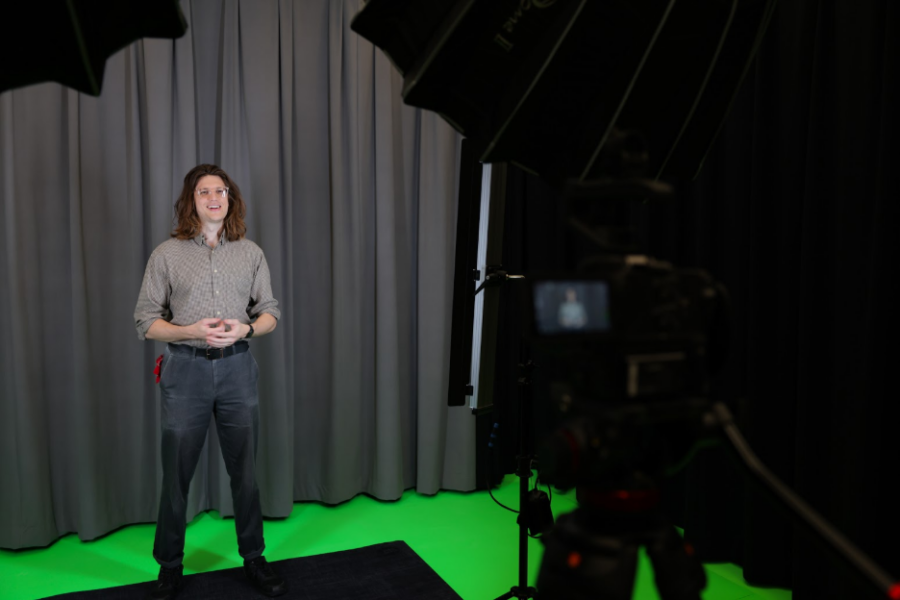
4. Request a time to record in our Audio/Video Studios
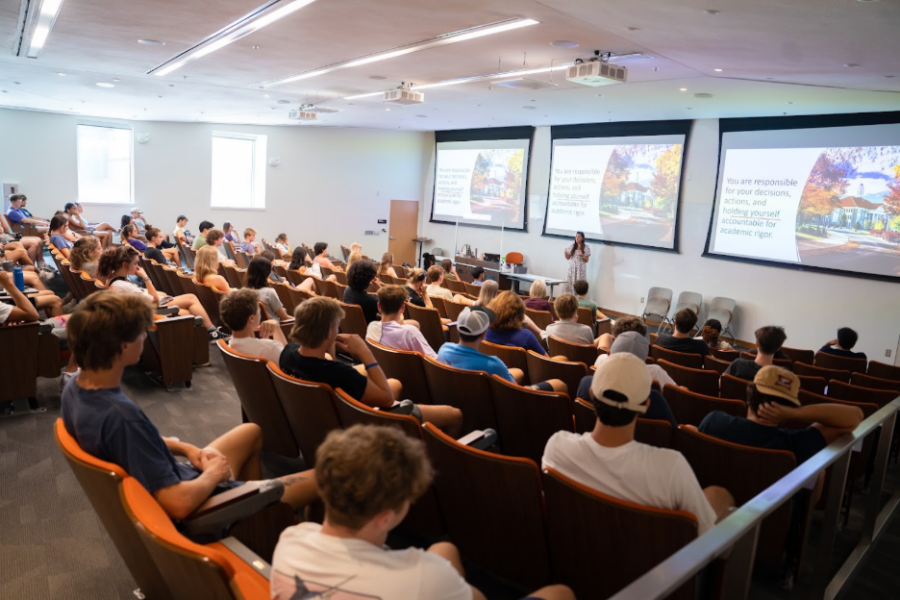
Students, faculty, and staff are invited to request time in our Audio/Video Studios in Carrier and Rose Libraries to create podcasts, videos, and more. Equipped with professional-quality recording equipment, these spaces can be used for academic, professional, or personal projects.

5. Faculty and Staff: Request Help with Enhancing your Teaching with Technologies
Want help creating a video, podcast, or an assignment for your students that involves technology? The Learning Innovations & Design Desk is a great place to start! We have teams to help with audio and video production, teaching with technology, technology instruction for your class, and more!
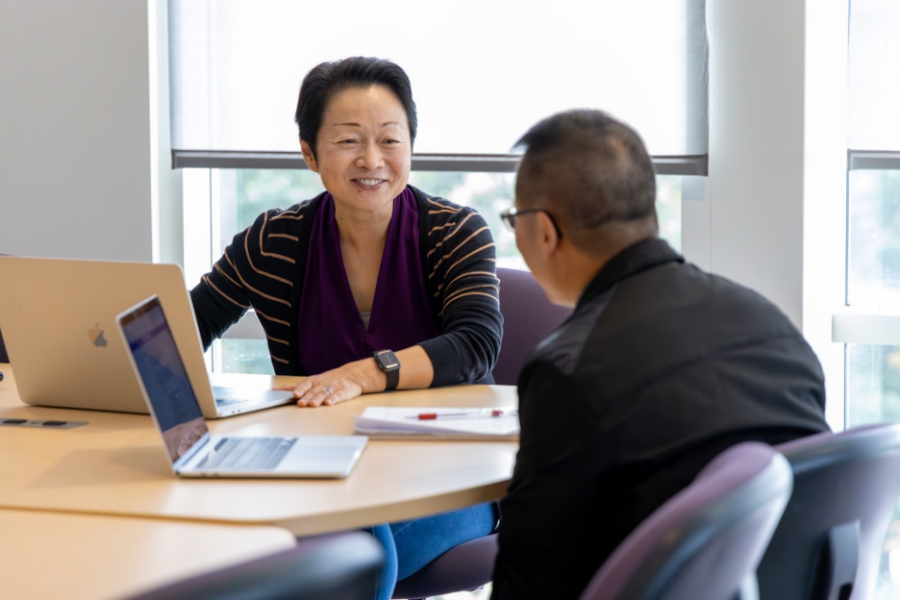
6. Faculty: Connect with Our Instructional Designers
Looking for other experienced faculty who can help you design a course or assignment? Having trouble keeping a large class engaged? We can connect you with an instructional design expert who is eager to help!
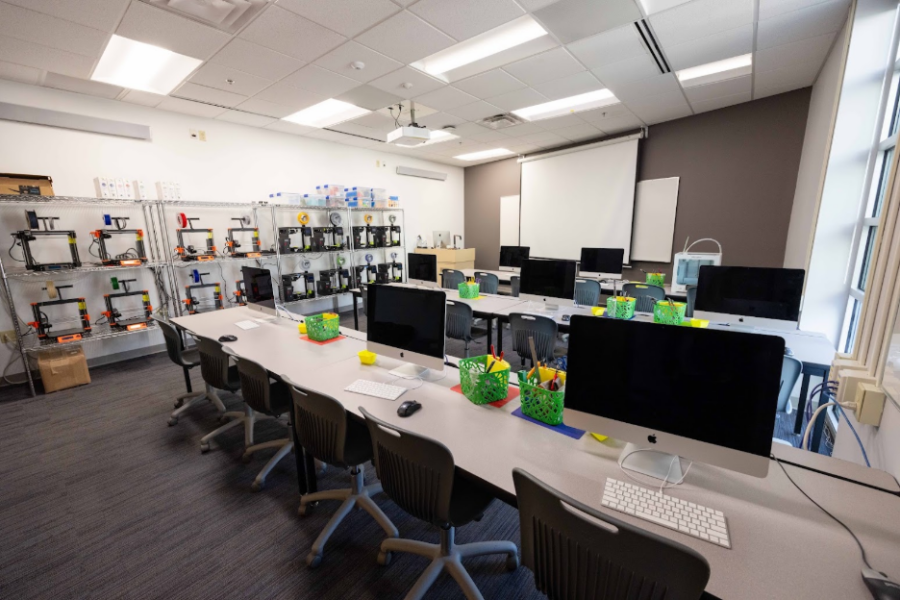
7. Faculty: Request to Teach in One of Our Futures Spaces
Looking to teach a class or bring a class project to a 3D Printing classroom? Request to schedule your class in 3SPACE. Do you have teaching, learning, or technology experiment you want to explore with your class? Apply to teach a class, workshop, or experience in our new Futures Classroom.
8. Anyone: Get Walk-in Help with Canvas
Faculty, want help organizing your course in Canvas or making the most of features like Canvas Studio, Reading List, Gradescope, or other applications that can make your teaching easier and more effective? Schedule a meeting with us…or just walk in!
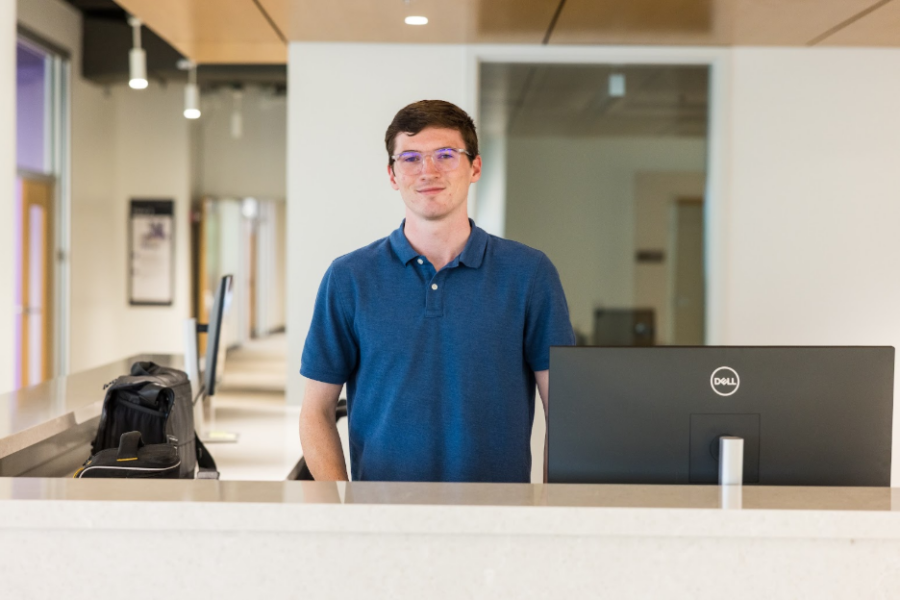
These are just a few of the things you can do at the Learning Innovations & Design Desk, your source for educational technology and instructional design expertise at JMU. If you have an idea for another way we can collaborate, stop by anytime during the desk’s open hours. We look forward to partnering with you!